
Editorials
I left my OnePlus 13 for an iPhone Pro, but these glaring oversights make me want to switch back... for now
Instead of my trusty OnePlus 13, I decided to go on vacation with an iPhone Pro. This helped me realize two things: the only reason Apple is winning is because its fans won’t look to Android... And I can see why.
This article may contain personal views and opinion from the author.
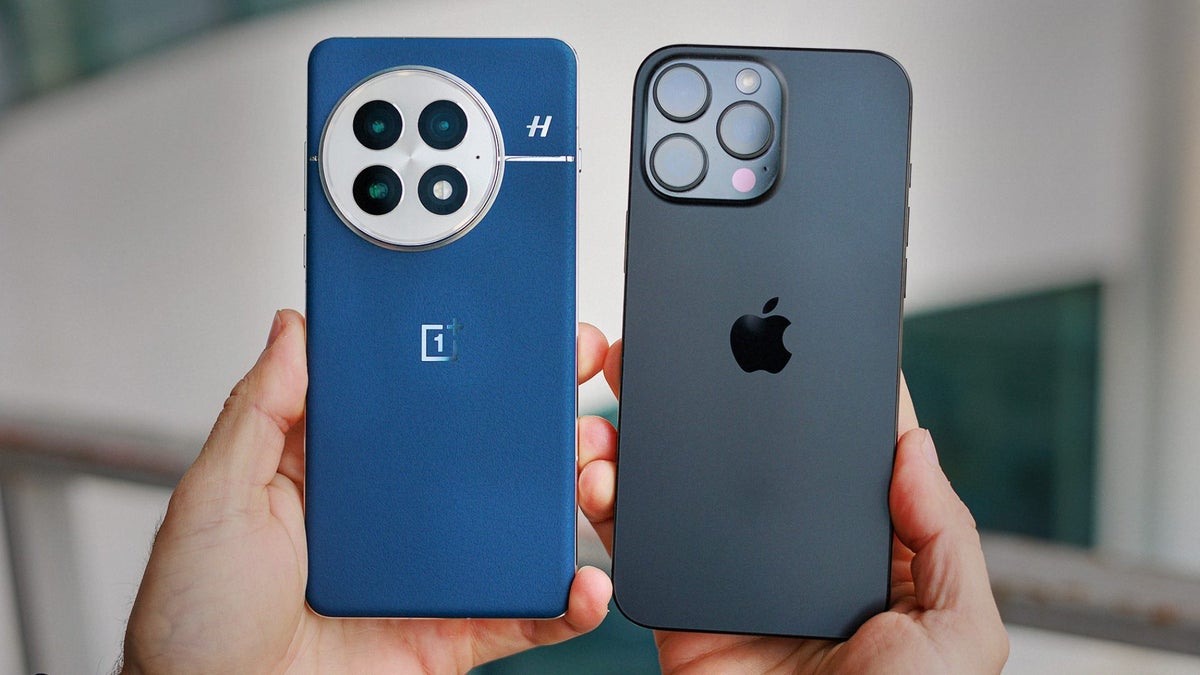
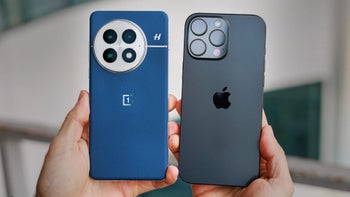
The OnePlus 13 still wins in terms of design, for me at least. | Image by PhoneArena
* The header image depicts an iPhone 16 Pro, since I don't have a third hand and phone to take a snap of the two phones in question.
I got an iPhone 14 Pro and went on vacation with it. After a few days, I decided to use it as my main phone for the foreseeable future. I expected there to be an adjustment phase, but what I discovered somehow both appalled and intrigued me.
I’m here to focus on the details and share my thoughts on a few things that aren’t brought up that often, and I don’t understand why for the life of me. This isn’t an article about transition woes or lack of silicon carbon batteries in iPhones: it’s about Apple being behind on super-basic stuff… And how that’s paying off, massively.
I know this might sound insane, but throughout my time with the iPhone, I’ve discovered that implementing friction might initially seem like design oversight, but in reality it shapes the way we view, interact and adapt to the technology we use daily.
These iPhone issues drive me crazy
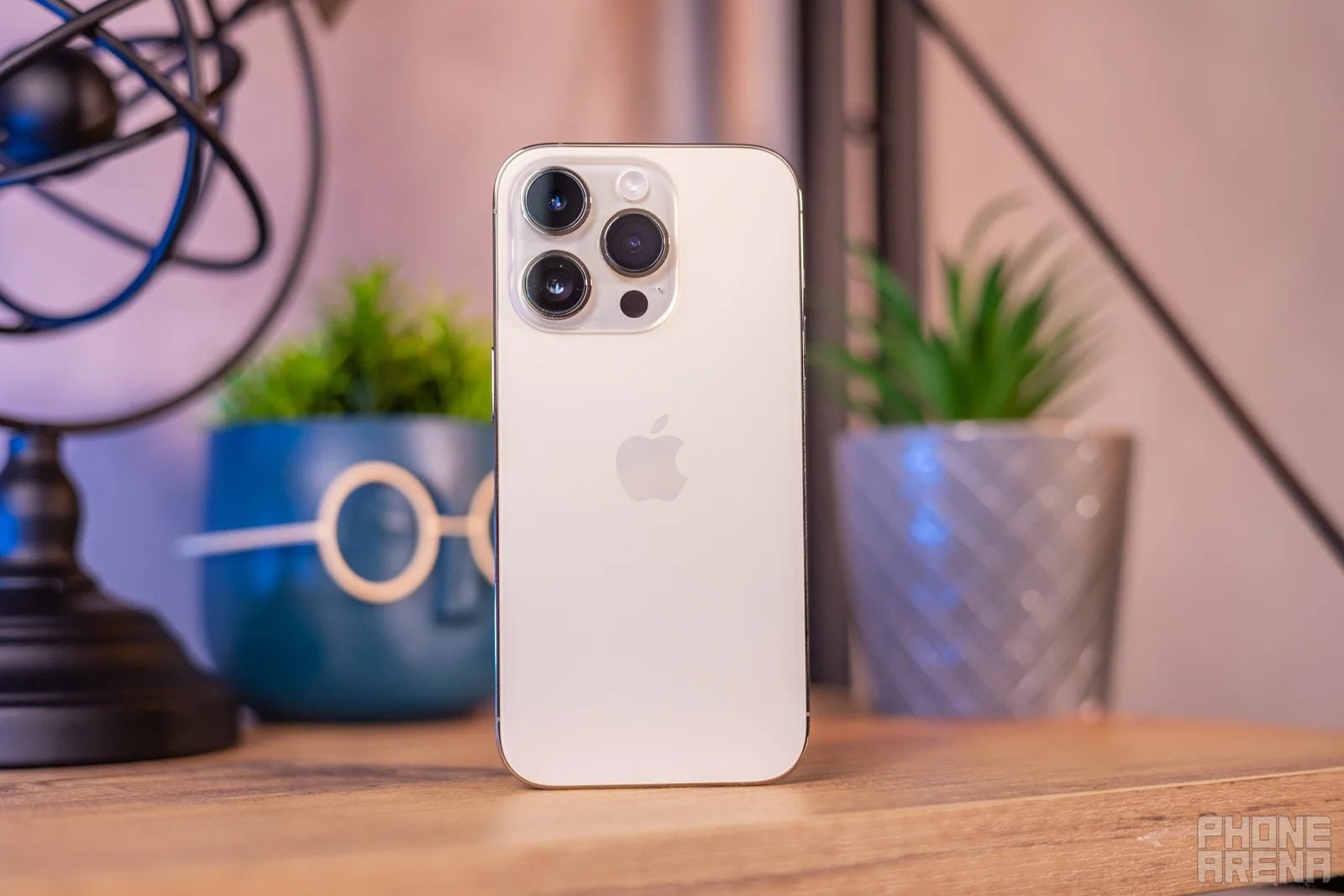
I didn't get the iPhone 14 Pro for any specific reason, it was honestly pure chance. | Image by PhoneArena
I’ll be honest: it is unfathomable to me that I’m about to bring up some of these in 2026. For all of you iPhone-folk out there: know that every single one of the issues I’m about to list has been fixed on Android’s side for so long, that I had forgotten they even existed.
Before you write some of these off as nitpicks, remember that my experience would be pretty similar to any Android fan suddenly switching to an iPhone. And moreover, even if someone is used to issues like this, that doesn’t magically make it okay for them to exist in the first place.
Apple’s bet on insisting how I behave within its ecosystem is a sign of something bigger, but it takes effort and willpower to appreciate. And even then, some of these still sound like no-brainer fixes. Without further delay, here are the things that bugged me the most while I used an iPhone:
Going Back is a nightmare
Some of you won’t believe me when I tell you this, but there’s no universal way to go back from a menu or app on iOS. Are there buttons? Yes. Can you close anything at any time? Yes. But sometimes, you need to go back and continue doing whatever you are up to. And that’s incredibly frustrating to do right now.
Presently, there are two types of back buttons. One of them is very tiny and hard to reach and press, and the other is regular, which is just difficult to reach. Then, however, iOS surprises you with pages where there are no buttons of any kind, and then you are supposed to remember that there’s a swipe-right gesture to go back.
Apple, in its infinite wisdom, has decided to position all Back buttons in the topmost left corner, despite 90% of the world’s population being right-handed. Naturally, gestures would eliminate this issue, but here comes the plot twist: it doesn’t work everywhere.
Using an iPhone in this state feels like having to do the homework of remembering where you are allowed to use what. All of this could easily get fixed by moving the Back buttons to the bottom, where it would be easy to reach, or just ensuring that swiping to go back is available on every page.
But one of those is far less likely to happen. Placing a button in a hard-to-reach spot ensures that I gravitate towards using gestures, especially since I can’t disable those. It’s a great example of user education, but the issue with inconsistency remains.
The best keyboard on the market, in shackles
I’ve said it before: the default iOS keyboard is the best in the world. Apple’s mix of a highly intelligent algorithm and meticulous design have resulted in an experience that eliminated 70% of my top typing mistakes on Android, any keyboard.
So it really got on my nerves that the keyboard hates numbers for some reason.
This just melts my brain. I work with numbers, and I often discuss them — why would I need an entire extra button press just to be able to access a core part of human culture? And then, when I want to go back to letters, I have to press another button.
Then again, I have to wonder: would adding an entire extra row of buttons terminate the feeling of the keyboard? Is this the reason why Apple is hesitant to even give us the option to potentially make more mistakes?
We’re living in the world of complex passwords, 2FA keys and online payments. This is active friction incarnate, but also a forced change of habit: typing in numbers isn’t an accidental risk. While this may very well contribute to the secure feeling of the iPhone, I long for what I’m used to: numbers at the top of my keyboard.
Dropdown menus make me crave an Aspirin
I’ll be honest: one of the things I hate most in modern smartphone software is the dropdown split between notifications and settings. I’ve never met a person who has told me that this change has improved their life in any way.
Xiaomi may have come up with it first, but Apple is certainly the culprit when it comes to popularizing it to the current extent. While we’re regularly seeing brands bandwagon on certain features, Apple usually picks stuff up only when it is certain that it contributes to something in its ecosystem.
On most Android phones, if you dislike this, you can toggle it off and get the good old combined panel. But Apple is all about commitment, so there’s no such thing here. And to top it all off, you have three things you can pull down:
- Settings
- Notifications
- The lock screen
I understand why the lock screen is a thing, and I realize that plenty of folks might find it easier to utilize like this. What I want to ask, however, is why not let the rest of us decide whether we want it or not?
I’ve been using the iPhone 14 Pro for about a week now, and I still can’t consistently pull down what it is I’m aiming for. Given what I do for a living, I don’t think it’s a skill issue.
Trying to justify the design, I guess that the segregation makes me have intent behind my input. There’s also the benefit of making the Notifications pane harder to reach than the Settings dropdown. But is this intentional design or a form of excuse?
FaceID hates sunglasses
Did you know that you can be prescribed to wear sunglasses? I am. When you have light-colored eyes, the way they receive light is a bit different, which makes you way more prone to things like migraines and strain.
Enter stage left, my new nemesis: FaceID, which won’t let me register a profile with my sunglasses on. I understand that it’s fundamentally difficult to pull off and that it would decrease the security factor, but it feels unfair that other options exist, while this one doesn’t.
FaceID has two special modes: for people wearing prescription glasses and masks. Ready for another plot twist? The option for glasses is locked and hidden until you register a FaceID with mask. And for those wondering: glasses doesn’t mean sunglasses, sadly.
It’s a bit insane to have FaceID with glasses hidden by default, given that 50% of the world’s population wears glasses. Given that iPhones are selling like hotcakes, it makes a lot more sense to just have the option there from the get-go. Furthermore, if Apple is willing to let some users have less security for the sake of convenience, I don't see why those wearing sunglasses should get left behind.
Despite me not being of that crowd, this one still bugs me. Android’s face recognition works with all manner of specs, but it’s way less secure than FaceID. That being said, it doesn’t really matter, because most Android phones have a fingerprint scanner, which is way easier to use than inputting my code.
I must highlight, however, that FaceID is really impressive on a technological level. The feature tends to be overprotective at times, but it reinforces one thing clearly: Apple cares about you feeling secure with its phones, and all of the above is a vicious echo of the sentiment.
And I’d be lying to you if I said it doesn’t make an impression.
Insane passive battery drain
I last used an iPhone exactly ten years ago, and it was the 4s. I remember that a core part of the experience involved strategically utilizing all wireless toggles in order to conserve battery. I was certain that this couldn’t still be the case years later, but alas: not much has changed.
Plain and simple, if I don’t disable Bluetooth, Wi-Fi, and maybe even cell data while I’m not actively using them, the passive battery drain will be unbelievably high. With my OnePlus 13, I’m used to 2-5% in 10-12 hours, but with the iPhone 14 Pro, I’m lucky if it’s about 10%.
The reason this grinds my gears is that Android already has algorithms that track user behavior. If you don’t use your phone for a while, the settings enter a low-power mode, without the user needing to toggle anything off, which helps conserve battery.
The iPhone seems to panic every time there isn’t something to connect to and it starts actively seeking out targets like a predator. Another huge drain source is background app refresh, which you have to manually disable per app.
This stings even more, because performance during active use is simply stellar. Any Android phone I’ve used recently just pales in comparison, regardless of battery technology.
Both of these factors are due to the same reason: iPhones keep the engine running at all times. While this does mean you get painful passive battery drain, it is also why the phone performs so well in all other scenarios. It’s a double-edged sword, but also an intentional choice from Apple — it makes the iPhone feel reliable.
That said, I wouldn’t mind an outstanding overall package instead.
Moving apps should not be this hard in 2026
I can’t believe I’m saying this, but one of the hardest things I’ve had to do recently is set up the icons on my iPhone. I know it sounds like a joke, or like me being dishonest for the bit. But it’s not: I legitimately struggled, and that’s unacceptable.
The core issue is that the iPhone is relying on you to be hyper-specific with your positioning while moving stuff around. You have to touch the very edge of the display while holding an app icon, and if you miss the mark by just a few pixels, you end up with a brand-new barren page with a single app.
As if that wasn’t enough, if you want to move an app and put it in a folder, you have to be intricate about how you approach the folder. You can’t just go at it from any angle — it has to be from above, maybe slightly to one side, but certainly not from the side.
There’s an easy software fix here: when a user enters jiggle mode, allowing them to move apps around, make the screen’s virtual size a bit smaller in preparation for that. This would go well with Apple’s “always ready” mentality, and it would serve to resolve the issue.
But the fact itself is a remnant of a philosophy that Apple’s not keen on letting go: knowing better than most users. It wasn’t that far back when we weren’t even allowed to freely arrange apps across our screens’ real estate. And even if Apple pretends to let you do more now, opening the app drawer maintains the sentiment clearly: Apps are pre-grouped, as Apple sees best.
For the most part, the guess is correct. If the odds of getting it wrong go even lower in the future, why would you even want to move your apps around anyway?
These are objective flaws, but there’s another twist
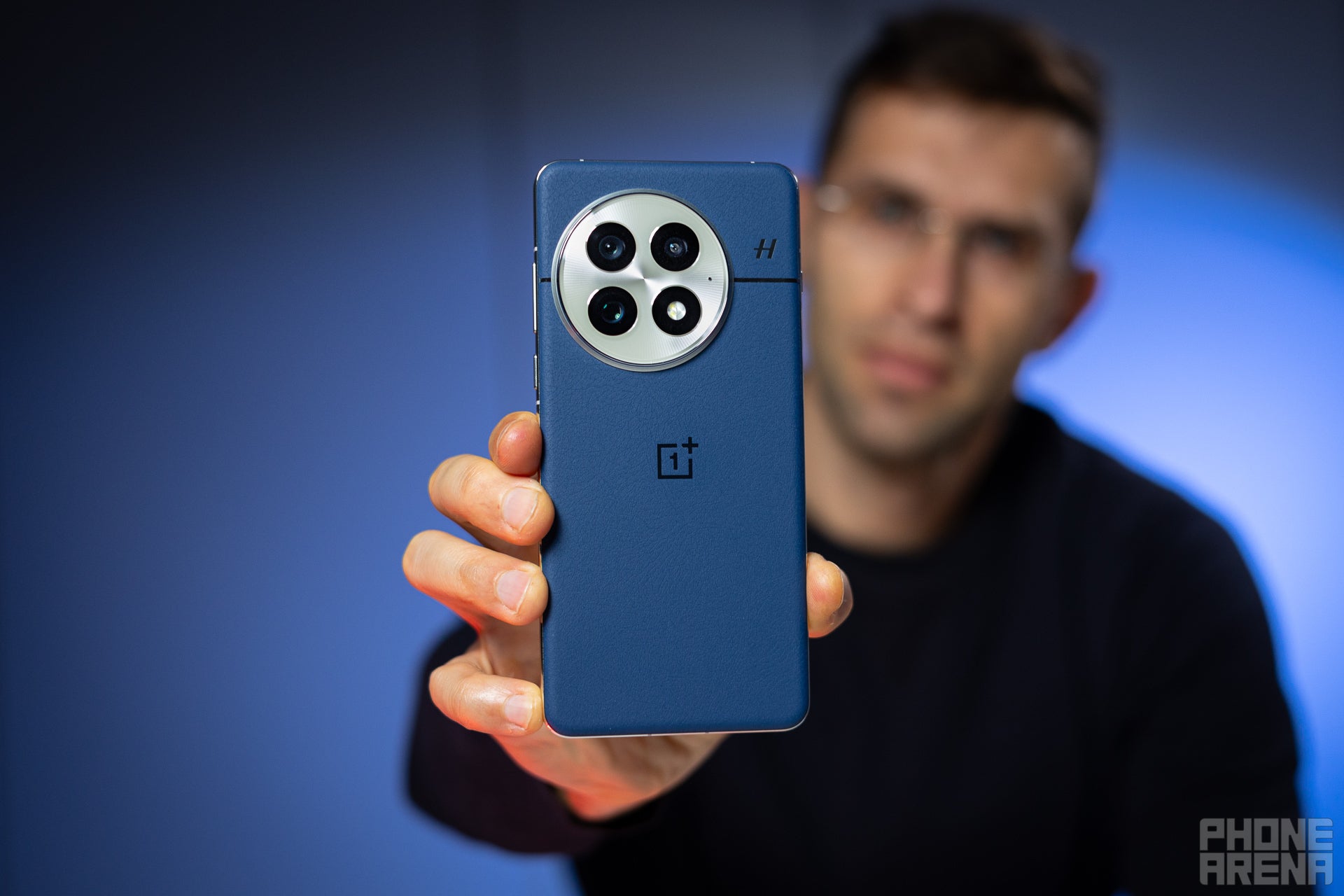
I really missed my OnePlus 13 at times during this. | Image by PhoneArena
Despite the passage of time, it’s still hard to transition over from Android. And I don’t mean the process itself, like downloading your apps and setting up your accounts. I’m talking about the experience.
I’d be willing to overlook some of these issues if iPhones weren’t premium by design. Even in 2026, the iPhone 14 Pro is an expensive device. I’m obviously not expecting top-notch specs and performance, but I was expecting Apple’s acclaimed user-first approach to have evolved substantially.
My problem is that these issues shouldn’t exist in 2026, especially when your main competitor found ways to eliminate the issue. But if Apple fans stick to their ecosystem and they never bother to check if the grass is greener on the other side, should Apple even care about the competition?
Honestly, no. And I think I know why.
It sucked, but I’m tempted to make the switch
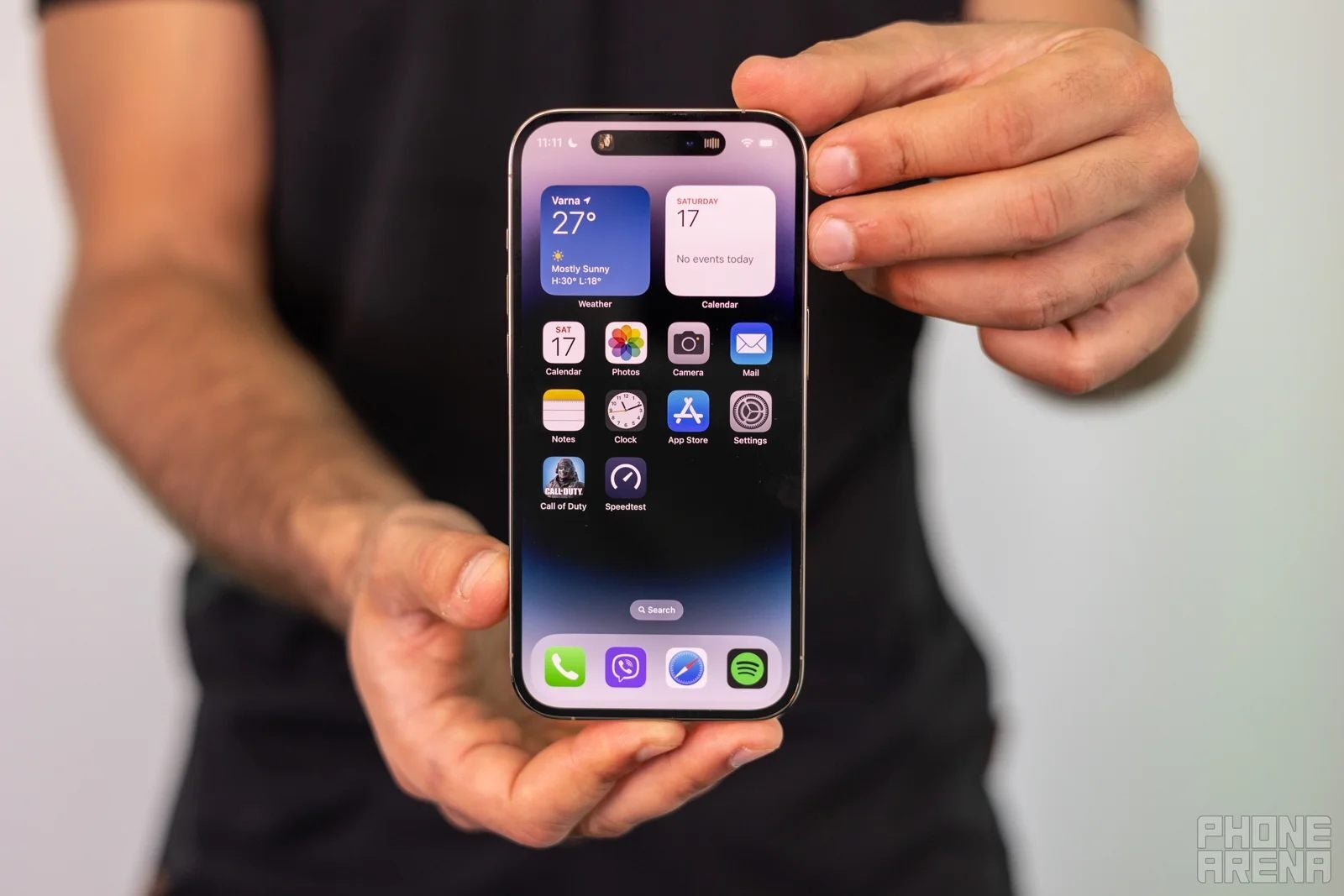
The 14 Pro feels just right in size. | Image by PhoneArena
The iPhone is the best-selling smartphone line in the world. Millions of units have satisfied customers beyond belief. iPhone fans have entirely different gripes than some of the ones I’m describing. And regardless of any: Apple is doing great, so it has no need to focus on gaining new clients.
I’m my own perfect example here: I decided to test an iPhone, despite having been on Android’s side for years, because it’s an iPhone. It sounds absurd, but it’s real: there are certain expectations that come with that branding, and most of them come true the moment you start using it.
Using an iPhone is refined in a very mature way. It feels less distracting, more focused and closer to what phones felt like years ago. This doesn’t mean that the devices are underpowered or lacking modern features, but that they are designed to be a phone first, and you feel that.
And the absurdity of the situation is that I genuinely liked that. It could very well have been just novelty, but I doubt it. Despite the flaws I described above, I’d be lying if I didn’t mention what an outstanding experience the iPhone 14 Pro provided in some areas.
I loved using the iPhone’s keyboard again. The way it’s engineered makes me type faster and with way less mistakes, without relying on dictionaries and shortcuts. I can type confidently, and I almost forgot what that felt like.
Nothing feels like an iPhone. Apple has always paid attention to how a device sits in your hand, how pleasant the weight is, and how easy it is to operate its fundamentals. For the most part: the company evidently has it down to a science it can recite by heart.
The iPhone also feels more secure than an Android phone out of the box. And I’m not talking about the factuality behind the services themselves, but the way the entire experience makes you feel. You honestly start believing that Apple is striving to make it safe, and effortless to be safe, which is commendable.
The above sounds jarring, and I admit to that. I spent so much time nagging at Apple for the iPhone’s shortcomings, yet now I’m spending precious wordcount in praise. It is a dichotomy I struggle to put into words, and I think that most of those among you who have used both iPhones and Androids can relate.
The crux is that when I inevitably switch back to an Android device, the feeling will swell over me like diving in a clear, warm sea. Yes, I’d lament the concentration of it all.
This sounds like a case of technological Stockholm syndrome, but I slowly grew to appreciate the walled garden. As soon as I remembered where the bricks were, I started to spend more time appreciating the beauty of the flowers instead of focusing on the rough exterior.
Honestly, as time goes on, it becomes difficult to say which is better, and maybe that’s why the debate has been going on for so long. While the issues I described at length above truly drive me mad, Apple’s usage of strategic friction makes all of them work in the iPhone’s favor most of the time. And that’s impressive.
Have you been tempted to switch to the other camp?
The flaws may be part of a hidden strategy
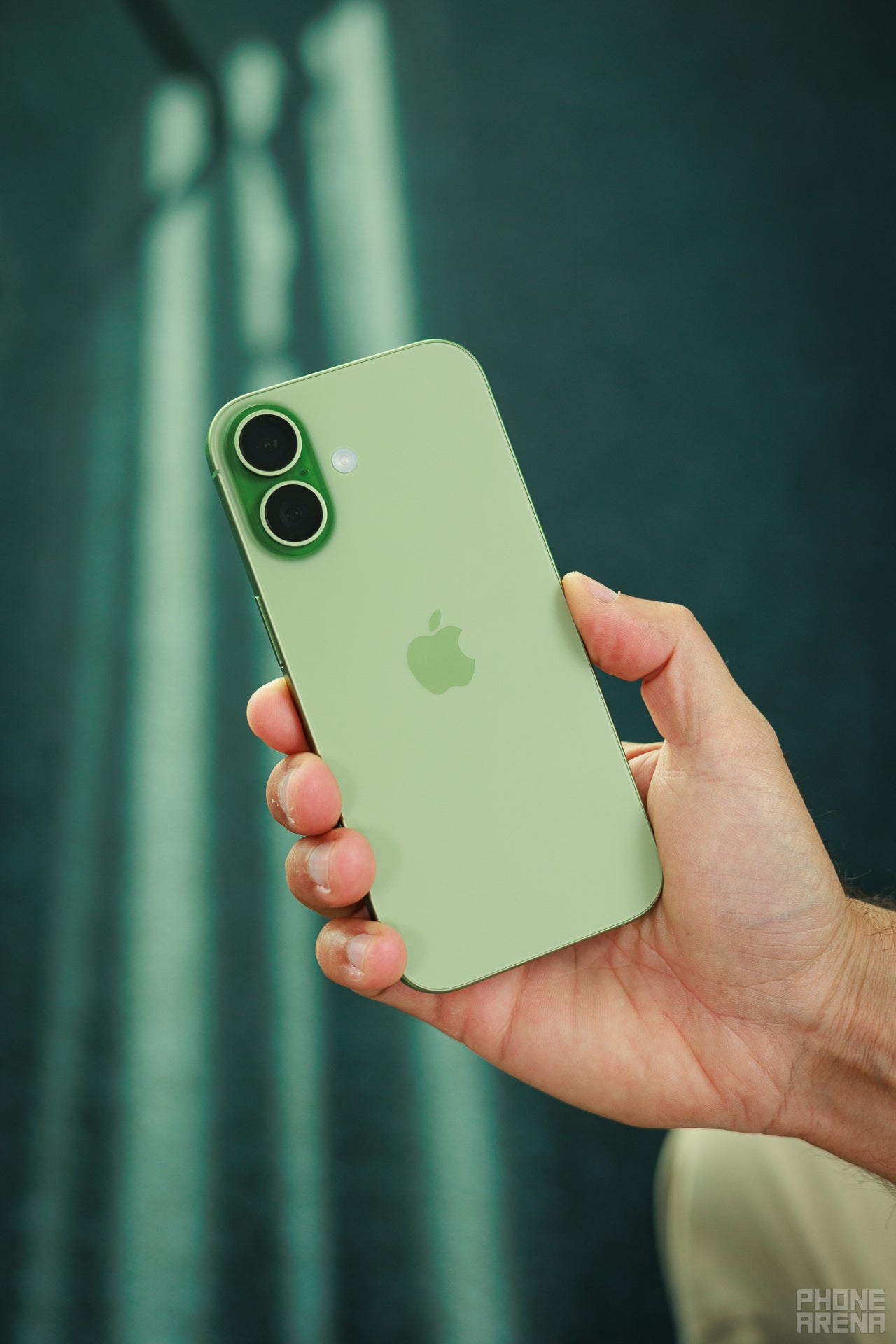
Maybe not the iPhone 16, but one down the line would be for me. | Image by PhoneArena
Apple’s design is intentional and constrictive. You have to use the iPhone in the intended way, or you won’t be making the most of it. And I respect that massively, despite not being the biggest fan of the tactic.
It’s difficult to pull off: most people are rigid in their habits and don’t adapt easily, even over time. But that’s the magic of it with Apple products: if you’ve adapted early, why would you ever switch?
On Android’s side, every device is unique and offers a different experience, but it’s still Android. If you don’t like the way a certain thing works, from the notification panel to the navigation bar, you can just do some research and ensure your’e getting a phone that lets you change it. Or alternatively, just nerd out and change it yourself.
With Android phones, it sometimes feels like setting up the device is the endgame of it all. Then it becomes forgettable after the honeymoon phase is over. The iPhone doesn’t feel that different after you are done with setting up because you don’t have that many options.
In a weird way, it makes it more evergreen because it removes the distraction of wanting to revamp your entire setup simply because you can. But all the pesky issues and inconveniences are part of the staple iOS experience as of now.
Just imagine if Apple addresses the issues I described above, releasing an iPhone that feels way more complete and comprehensive. Every iPhone user will be able to appreciate such an update, and more importantly: Android fans will have an easier time adjusting.
But the caveat of being the top dog of the industry, a leader in numerous regions, and a western-made company is exactly this: you aren’t racing with the competition. It’s the Apple way, and it has worked for iProducts tremendously well.
The issues themselves start to feel iconic thanks to the immovable nature of Apple’s intended design. And the truth is that Apple doesn’t need us to come over.
This exercise has been a refreshing reminder of what makes Apple great, both as a business and a phone manufacturer.
Initially, I was certain that I’d cap this article off by proudly stating that I’ll be sticking to my OnePlus 13. I won’t be letting it go — that’s for sure. But the frightening part is that I’m ready to completely switch over as soon as Apple resolves the issues listed above.
Shockingly, considering what we’ve just discussed, the chance I’d look back might not be in Android’s favor.


Popular stories



Latest News
Things that are NOT allowed:
To help keep our community safe and free from spam, we apply temporary limits to newly created accounts: